

🔒 This ticket is closed.
Open New Ticket
Hello,
I asked ChatGPT for advice. It adviced me to use CSS to solve that issue. I did that, but the [Add to cart]-button was at the wrong location for a couple of miliseconds. Thereafter, ChatGPT came with the following script:
add_action( 'wp_head', function () {
	if ( ! is_product() ) {
		return;
	}
	?>
	<style id="tokolariso-wpcgc-atc-critical-css">
	.single-product form.cart.wpcgc-add-to-cart-form .sydne-single-addtocart-wrapper,
	.single-product form.cart.wpcgc-add-to-cart-form .sydney-single-addtocart-wrapper {
		display: flex !important;
		flex-direction: column !important;
		align-items: flex-start !important;
		gap: 24px !important;
	}

	.single-product form.cart.wpcgc-add-to-cart-form .wpcgc-gift-card-form {
		width: 100% !important;
		max-width: 100% !important;
	}

	.single-product form.cart.wpcgc-add-to-cart-form .single_add_to_cart_button.wpcgc-add-to-cart-btn {
		width: auto !important;
		min-width: 260px !important;
		height: auto !important;
		min-height: 52px !important;
		padding: 0 28px !important;
		display: inline-flex !important;
		align-items: center !important;
		justify-content: center !important;
		align-self: flex-start !important;
		flex: 0 0 auto !important;
		line-height: 1.2 !important;
		margin: 0 !important;
	}

	@media (max-width: 767px) {
		.single-product form.cart.wpcgc-add-to-cart-form .single_add_to_cart_button.wpcgc-add-to-cart-btn {
			width: 100% !important;
			min-width: 0 !important;
		}
	}
	</style>
	<?php
}, 1 );
That code solved my issue. It runs with Code Snippet only on the frontend... perfectly. I assume it is a Sydney Pro II issue.
With kind regards,
TheStingPilot

Hello,
I am wondering... what is the status of my question regarding the weird position of the [Add to cart] button?
With kind regards,
The Sting Pilot
Point number 2 below can be ignored; it is due to SendCloud, which cannot handle a checkout with only virtual products or gift cards.
Hello,
I have installed the plugin on the production environment. The product is not visible, so nobody can use it.
Here is the link: https://www.tokolariso.nl/en/product/non-food-en/miscellaneous/toko-lariso-gift-card/
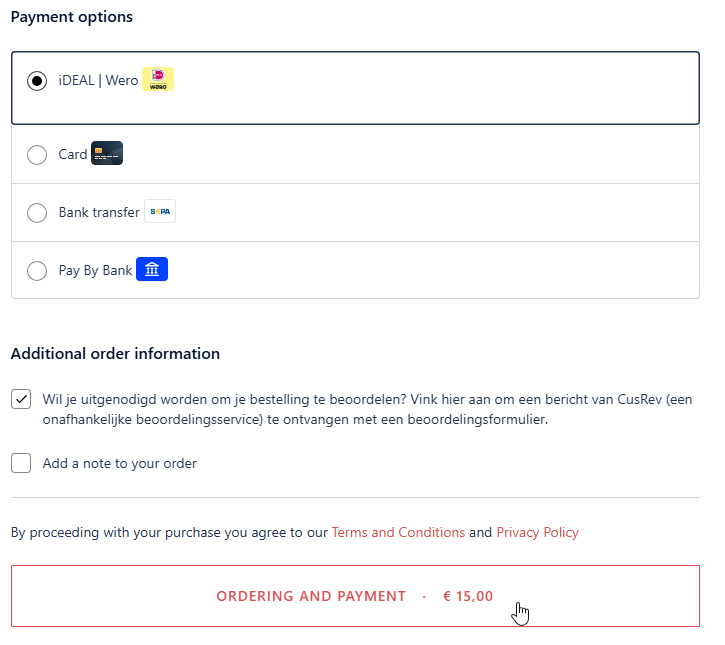
One other issue: I am unable to pay for the gift card. As soon as I click on the payment-button, I will not go the iDeal payment screen. See the attachment. What can I do to resvolve this issue?
I do not like to have two issues in one call. But, that is what it is...
The issues:
- Weird position of the [Add to cart]-button
- Unable to pay for the gift card
If you need login information, please let me know. I am happy to provide that information. But, the ticket should be changed to private.
With kind regards,
TheStingPilot
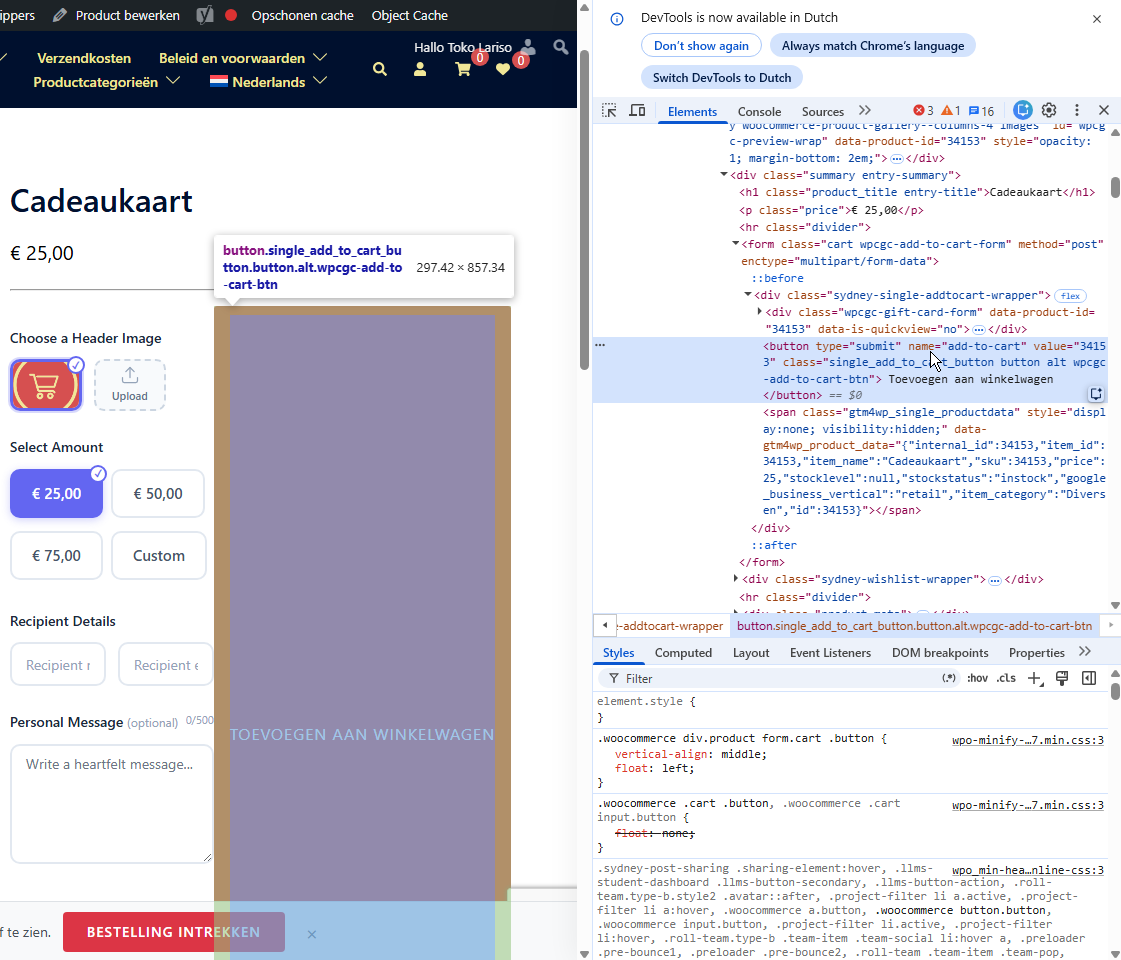
Thank you for your prompt reply. I have added the code via Code Snippets and 'Run everywhere'. Unfortunately the issue is still there.
The Gift card plugin is only installed on my test environment. That test environment cannot be accessed by you as it is on my private HyperV-VM.
What information do you need, I will gather it for you. I have already attached the CSS information from the DevTools.
With kind regards,
TheStingPilot
 Staff
Staff
Please try adding the custom code below (How to add custom code? ↗):
add_action( 'woocommerce_before_add_to_cart_quantity', function () {
	global $product;

	if ( is_a( $product, 'WC_Product_Wpcgc_Gift_Card' ) ) {
		echo '<div class="e-atc-qty-button-holder">';
	}
} );
If it still doesn't work, please share the product link so I can check it.

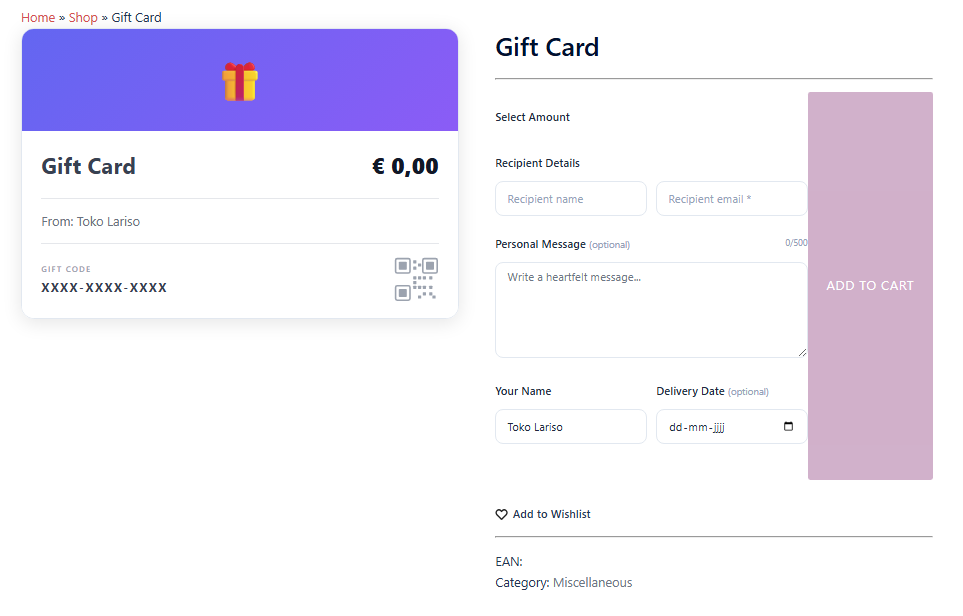
Thank you for your reply. The [Add to cart] button is in a weird place. Please, see the attachment for more details.
 Staff
Staff
Hi TheStingPilot,
Currently, on the Cart/Checkout page using Blocks, the plugin does not display the full gift card details. This means users cannot review the gift cards they created; however, the data is still saved correctly to the order.
We will resolve this issue in upcoming updates.
Hello,
Do WPC Gift Cards work with Blocks? I am using Sydney Pro II with the blocks checkout.
Your feedback is appraciated and with kind regards,
TheStingPilot


